For years, remote access security has asked one question: who is this user? Parallels RAS 22 adds a second one: can we trust the device they're using?
Parallels shipped RAS 22.0 (Core build 22.0-28160) on October 29, 2026, after a Technical Preview in September. The release adds client device posture checks, experimental session recording and playback, direct SMB file access in the User Portal, and Azure Virtual Desktop (AVD) Hybrid support. It also brings a long list of smaller fixes for things admins and users deal with every day.
It lands at a telling moment. In 2026, Parallels was named a Leader in the Gartner Magic Quadrant for Desktop as a Service for the first time, and a Leader in two IDC MarketScapes. Below, we cover what's new, what it changes in real deployments, and why RAS is now on the shortlist for organizations rethinking their EUC platform.
What's new in Parallels RAS 22
Zero-trust access controls
- Client device posture checks: before a session starts, the User Portal and the Windows Parallels Client can check antivirus status, OS version, specific running processes, registry keys, UAC state, and the Windows Defender Firewall profile. A device that fails is blocked from connecting.
- SAML as a second factor: SAML can now be enforced as a mandatory second factor after Active Directory validation, on Windows, Mac, Linux, iOS, and Android clients and the User Portal. Custom SAML certificates and a custom SP Entity ID let one identity provider serve multiple farms and themes.
- Public IP access control: access to published resources, policies, logon hours, and MFA requirements can be filtered by the connection's public IP. Public IP also shows up in session overviews and RAS Reporting.
- Rate limiting: Secure Gateway and Connection Broker API connections can be capped by connection type, and abusive IPs can be blocked automatically through Windows Firewall rules.
- Trusted farm verification: the Windows client checks farm connections and local app launches against a trust list before establishing a session. The same client also now warns users every time they connect without SSL.
Visibility and compliance
- Session recording and playback (experimental): records user sessions, with a built-in player, configurable storage and retention with automated deletion, and alerts on recording health and storage capacity.
Files and hybrid cloud
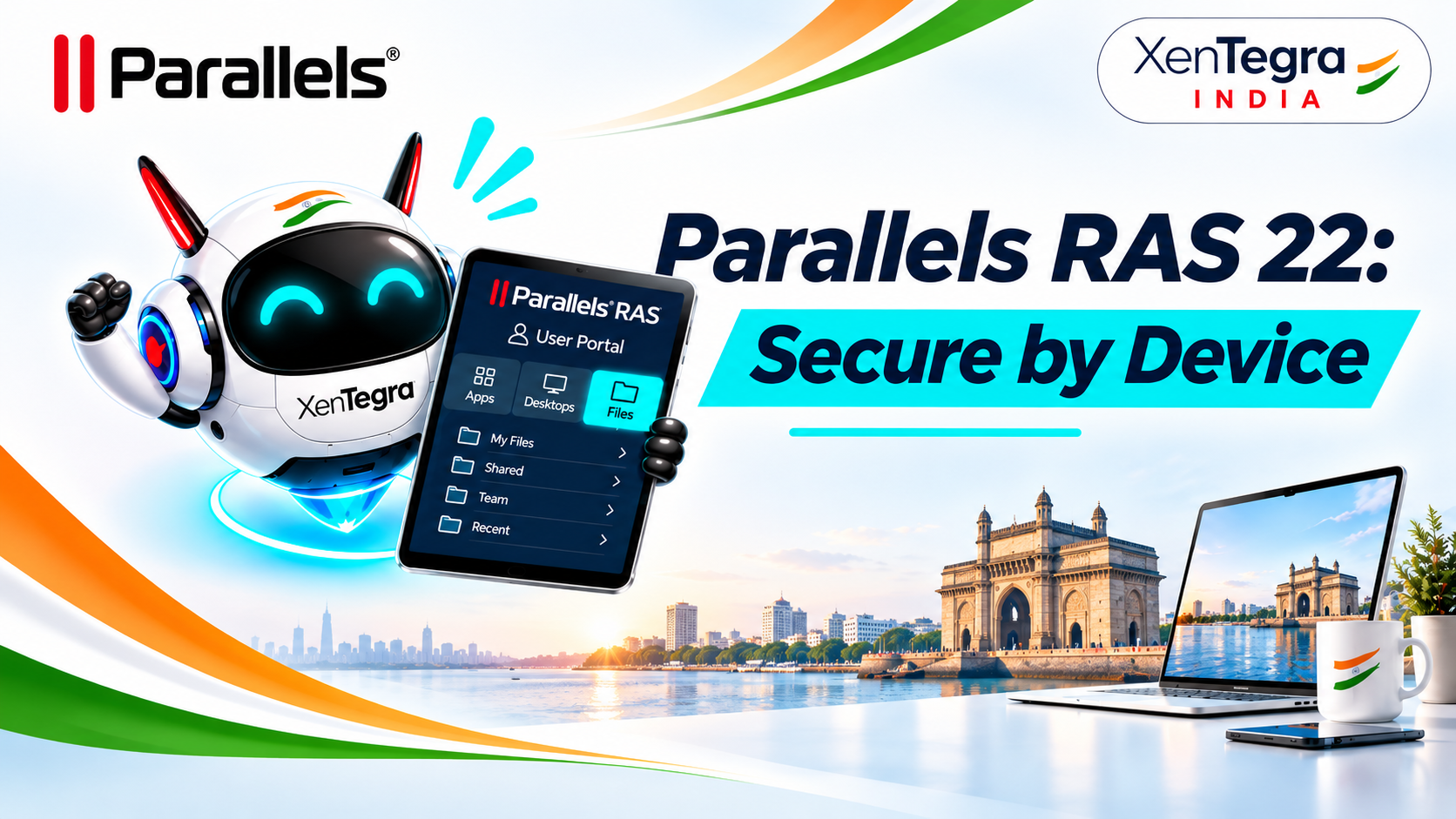
- File Access via SMB: RAS connects natively to Windows SMB 2.x/3.x shares, so users can browse, upload, download, and open network files from a new Files area in the User Portal, without IT publishing Windows Explorer. Files open in the matching published app.
- AVD Hybrid: RAS manages AVD session hosts running on your own infrastructure, on any supported hypervisor, alongside Azure-hosted hosts. The AVD control plane stays in Azure; the hosts and data can stay on-premises.
- Azure VM hibernation (experimental): reduces cloud spend when used with AVD scaling plans.
Operations and platform
- VMware vSphere 9 (ESXi and vCenter) support, concurrent Hyper-V cloning, and Hyper-V support for TPM-enabled Windows 11 templates.
- Agent updates in Drain Mode, host uptime across every RAS role, autoscaling workload shown as a percentage, and connection to your existing Grafana dashboard with secured InfluxDB credentials.
- Cookie-free User Portal load balancing behind third-party load balancers, plus a Secure Gateway WebSocket option for proxies such as Microsoft Entra Application Proxy that strip the origin header.
User experience
- True Coherence mode for Mac: published apps behave like native Mac apps, with Dock integration and live window previews.
- Taskbar window previews on Windows, unified keyboard layout sync, time zone redirection without the RDSH role, and native Windows toast notifications before passwords expire.
Support changes to plan for
RAS 22 adds macOS 27, iOS and iPadOS 27, Android 17, and Ubuntu 26.04. It drops Windows Server 2012 R2 for RD Session Host agents, 32-bit Windows 10, macOS 13, iOS 17, Android 10 and 11, IGEL OS 11, and SQL Server and SSRS 2016 for Reporting. Check these against your estate before you upgrade.
What RAS 22 changes in the real world
Feature lists are easy to skim. Here's how these capabilities play out in deployments we see every week.
1. Contractors and BYOD without the guesswork
A professional services firm gives 200 contractors access to a published ERP client and a handful of internal apps. Until now, IT could verify the person but had no idea what device they were on. With RAS 22, the firm sets a posture policy: Windows 11 on a supported build, Defender Firewall enabled, an approved antivirus running. Non-compliant laptops are stopped at the door. Public IP rules require stronger MFA from outside approved regions, and session recording gives the security team a playback trail when a contractor engagement ends or an incident needs investigating.
2. Regulated teams that need proof, not promises
Healthcare, financial services, and public-sector teams are asked to show who accessed what and how. Posture checks, SAML as an enforced second factor, public IP in session reports, and recorded sessions with retention policies give auditors evidence instead of screenshots. Because recording is still experimental, we recommend piloting it with a defined user group and a clear privacy notice before rolling it out widely.
3. Data residency with the AVD experience
Many Canadian organizations want Azure Virtual Desktop and the Windows 11 multi-session experience, but need desktops and data to stay in their own data center for residency, latency, or cost reasons. AVD Hybrid in RAS 22 lets the AVD control plane run in Azure while session hosts run on-premises on your hypervisor of choice, all managed from the same RAS console as your Azure-hosted pools.
4. File shares without the VPN or published Explorer
A common workaround for remote file access is publishing Windows Explorer, which hands users a full shell, or keeping a VPN just for mapped drives. The new Files area in the User Portal connects straight to existing SMB shares. Users browse and open documents in the right published app from a browser, and IT reuses the file servers and permissions it already has.
5. Mac-first teams who hated remote apps
Design, engineering, and executive teams on Macs often push back on virtual apps that feel foreign. True Coherence mode puts published Windows apps in the Dock with live previews, clipboard images keep their transparency, and time zone and keyboard layouts follow the user. The result is fewer "it doesn't feel right" tickets.
6. Smaller maintenance windows for admins
Agent updates now work while hosts are in Drain Mode, uptime is visible for every RAS role, and autoscaling shows host pool load as a percentage. Concurrent Hyper-V cloning and vSphere 9 support speed up image rollouts, and RAS metrics can feed the Grafana dashboards your operations team already watches.
7. Freedom to change hypervisors
With vSphere 9 support in RAS 22, plus Nutanix Prism Central and the hypervisor-agnostic custom provider framework added in RAS 21.2, the virtualization layer is no longer a lock-in decision. You can stay on VMware, move to Nutanix AHV or Hyper-V, or burst to Azure without changing how users connect.
8. AVD cost control you can show to finance
AVD bills move with what you run, so idle hosts and oversized pools add up fast. RAS includes a Cost Insights dashboard, introduced in RAS 21.0, that pulls estimated Azure costs per session host pool from the Azure Cost Management API. RAS 22 builds on it: Cost Insights now accepts custom certificates, autoscaling shows host pool load as a percentage so you can right-size scaling rules, and experimental Azure VM hibernation cuts compute spend when paired with AVD scaling plans. Put those numbers in the Grafana dashboards your team already uses, and IT and finance work from the same view.
Why Parallels is becoming a leader in EUC
The analysts have noticed. In August 2026, Parallels was named a Leader in the 2026 Gartner Magic Quadrant for Desktop as a Service for the first time, after an Honorable Mention in 2023 and Visionary placements in 2024 and 2025. In the same summer, IDC named Parallels a Leader in both the IDC MarketScape for Worldwide Virtual Client Computing 2026 and Worldwide Desktop as a Service 2026, with Parallels RAS cited among its strengths.
Three things explain the climb, and RAS 22 reinforces all of them.
- It solves the problems buyers are actually reporting. In Parallels' 2026 cloud survey, 66% of respondents said their organization was looking for a new DaaS or VDI solution, and 68% named IT staff time and administration as a hidden cost of their current deployment. RAS has always competed on simplicity: one console, one license that includes every feature. RAS 22's operational fixes extend that lead.
- Security has caught up with the enterprise players. Device posture, enforced SAML MFA, IP-aware policy, rate limiting, farm trust verification, and session recording close the gaps that used to keep RAS out of security-led evaluations.
- It refuses to lock you in. RAS runs on-premises, in Azure and AWS, on VMware, Hyper-V, and Nutanix, and now manages AVD on your own hardware. With three releases in under a year (21.0 in November 2025, 21.2 in June 2026, 22.0 in October 2026), the platform is moving at the pace hybrid IT demands.
For organizations reviewing their EUC strategy, whether that means adding RAS beside an existing platform or standardizing on it, RAS 22 is a serious option.
How XenTegra India can help
XenTegra Canada designs, deploys, and manages Parallels RAS environments across on-premises, hybrid, and multi-cloud infrastructure. We can help you:
- Assess and upgrade: check your estate against the RAS 22 support changes and upgrade your farm with minimal disruption.
- Build zero-trust access: design posture policies, SAML MFA, and public IP rules that fit your users, contractors, and compliance needs.
- Plan AVD Hybrid: combine the AVD experience with on-premises hosts for data residency and cost control.
- Run it for you: with Xen-DaaS, our managed desktop service powered by Parallels and Flexxible, you get RAS delivered and supported as a service.
- Migrate in 30 days with XenMove: our scripted migration service moves enterprise users to Parallels RAS from any platform, including Citrix, VMware Horizon, Microsoft RDS, and native AVD, in 30 days. Published apps, desktops, policies, and user assignments are inventoried and converted by script, not rebuilt by hand, so cutover is predictable and repeatable.
Want to see RAS 22 in action? Reach out through our contact page at xentegra.in to book a demo or a XenMove migration assessment with one of our architects.